CRM Automation Rules That Actually Save Your Team Time
Automation is the single biggest reason teams say a CRM "paid for itself," and the single biggest reason others say it "felt cold and robotic." The difference usually isn't the software — it's which rules got automated, and which ones should have stayed a human's job.
This guide covers the automation rules worth setting up first, the ones that tend to backfire, and how to know which side of that line a given process falls on.
Why Automate in the First Place?
Automation isn't about replacing people — it's about removing the small, repetitive steps that a person would otherwise have to remember to do every single time, so they don't get skipped when someone's busy or on leave.
Five Automation Rules Worth Setting Up First
- 1.Follow-up reminders — flag any lead untouched for a set number of days, so silence doesn't become the default.
- 2.Lead assignment — route new leads by territory or workload instead of manually distributing them each morning.
- 3.Quote generation — pre-fill a quote template from the deal record instead of retyping line items every time.
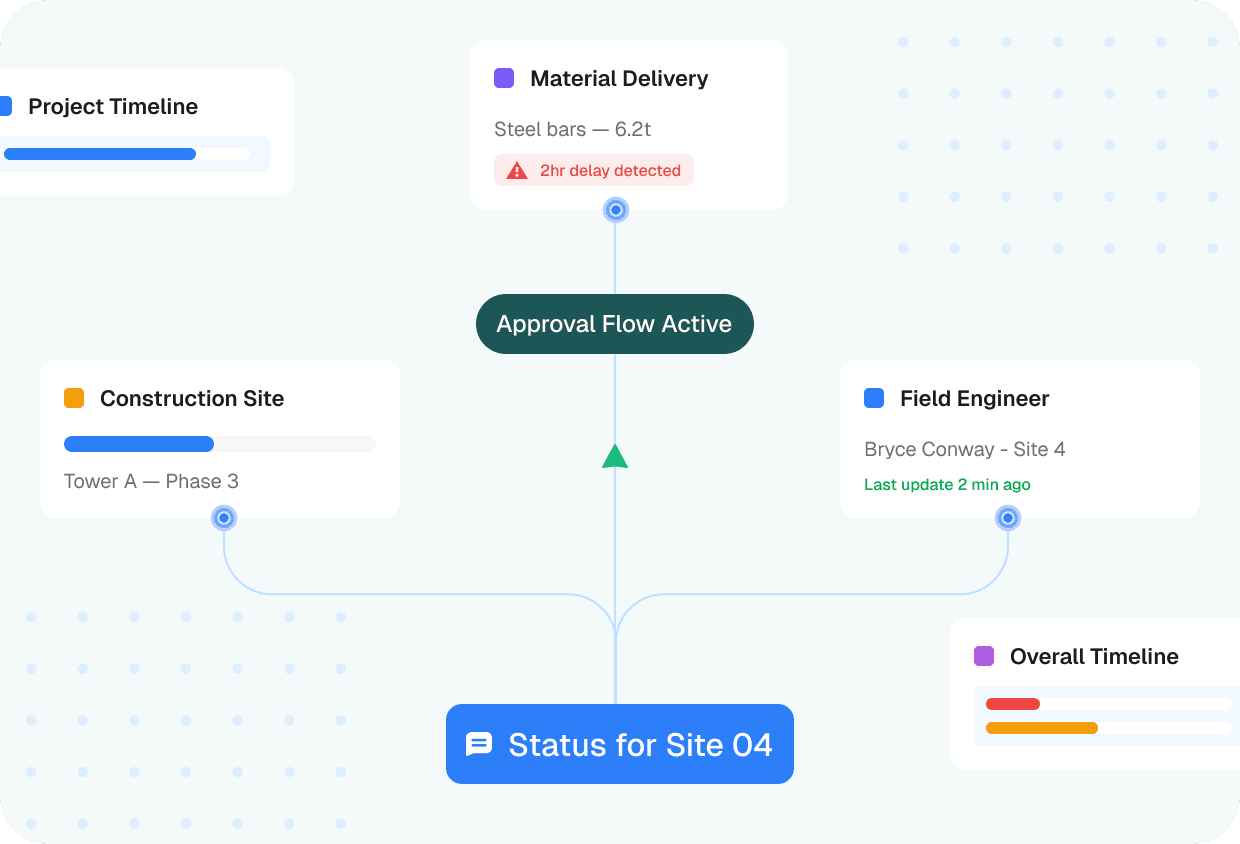
- 4.Status-change notifications — automatically tell the customer when their deal or project moves to a new stage.
- 5.Overdue-invoice reminders — chase unpaid invoices on a schedule instead of relying on someone to remember.
What Not to Automate
Anything that's the customer's first real conversation with a human — the initial sales call, a complaint, a negotiation — should stay manual. Automating the first touch after a lead comes in often reads as impersonal exactly when a customer is deciding whether to trust you.
Signs an Automation Rule Is Backfiring
- •Customers start replying "is this a bot?" to automated messages.
- •The same automated reminder fires after a deal has already closed, because a status update was missed.
- •Team members start ignoring automated notifications because there are too many of them.
If any of these show up, the fix is usually to narrow the rule's trigger condition, not to remove automation altogether.
How ZEP360 Handles Automation
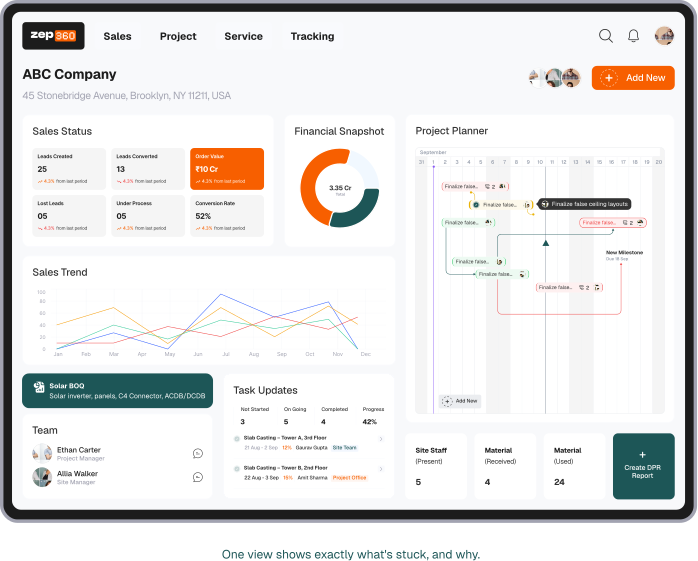
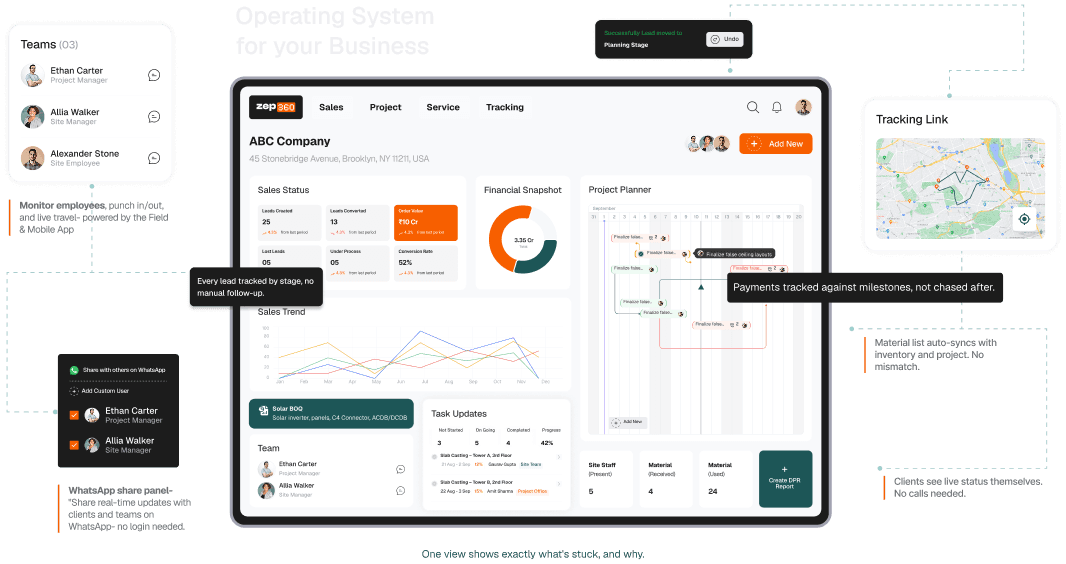
ZEP360's automation rules are configurable per team, so a follow-up reminder or a status notification can be tuned to how a specific business actually operates instead of a one-size-fits-all default that ends up feeling generic.
Frequently Asked Questions
Can you over-automate a CRM?
Yes — the most common sign is customers or team members starting to ignore automated messages because there are too many of them. Start with a handful of high-impact rules and add more only once those are working well.
Do I need technical skills to set up automation rules?
No. Most CRM automation is configured through simple if-this-then-that rules in the settings menu — no code required for the rules covered in this guide.
Can automation rules be turned off for specific deals?
Most CRMs allow pausing automation on an individual record — useful for a sensitive deal or a VIP customer who needs a manual touch instead of a scheduled reminder.