The Complete Guide to an All-in-One CRM System
Most growing businesses don't fail at sales because they lack leads — they fail because those leads live in five different places: a spreadsheet, a WhatsApp thread, an inbox, a notebook on someone's desk, and whatever the last salesperson remembered before they left. An all-in-one CRM exists to collapse all of that into a single record per customer, from first contact to invoice paid.
This guide walks through what an all-in-one CRM actually is, who needs one, the modules worth paying for, how to evaluate a vendor, what a real rollout looks like, and what the whole thing costs — including the costs vendors don't put on the pricing page.
What Is an All-in-One CRM System?
An all-in-one CRM is a single platform that tracks a customer's entire lifecycle — lead, quote, deal, project, invoice, and support — instead of handing that customer off between separate tools at every stage. The "all-in-one" part isn't a marketing label; it means the handoffs between sales, execution, and billing happen inside one record instead of over email or a forwarded chat.
How Is It Different From a Standalone Sales CRM?
A standalone sales CRM stops at the deal: it tracks contacts, pipeline stage, and notes, then considers its job done once a deal is marked "won." An all-in-one CRM keeps going — it carries that same record into quoting, scheduling, field execution, invoicing, and after-sales support, so nobody has to re-enter the customer's details into a second or third tool once the deal closes.
Who Actually Needs an All-in-One CRM?
Not every business needs one on day one. A two-person team closing a handful of deals a month can run on a spreadsheet just fine. The need shows up once volume and headcount grow past what one person can track in their head.
Signs You've Outgrown Spreadsheets and WhatsApp
- •A lead goes cold because it sat in a chat thread nobody was assigned to follow up on.
- •Two people update two different sheets with two different numbers for the same deal.
- •You can't answer "how many deals are stuck in quoting right now" without opening five files.
- •A customer asks for a status update and it takes a phone call to three different people to answer it.
- •Onboarding a new salesperson means explaining a process that only lives in someone's head.
The Core Modules Every All-in-One CRM Should Have
"All-in-one" gets used loosely by a lot of vendors. Before comparing pricing, check that the platform actually covers these six areas — not just contact management with a few extra tabs bolted on.
- •Lead & pipeline management — capturing leads from every source and tracking them through defined stages.
- •Quotation & invoicing — generating and sending quotes and invoices without leaving the customer record.
- •Task & follow-up automation — reminders and rules so a lead never sits untouched because someone forgot.
- •Communication hub — WhatsApp, email, and call logs attached to the customer, not scattered across personal phones.
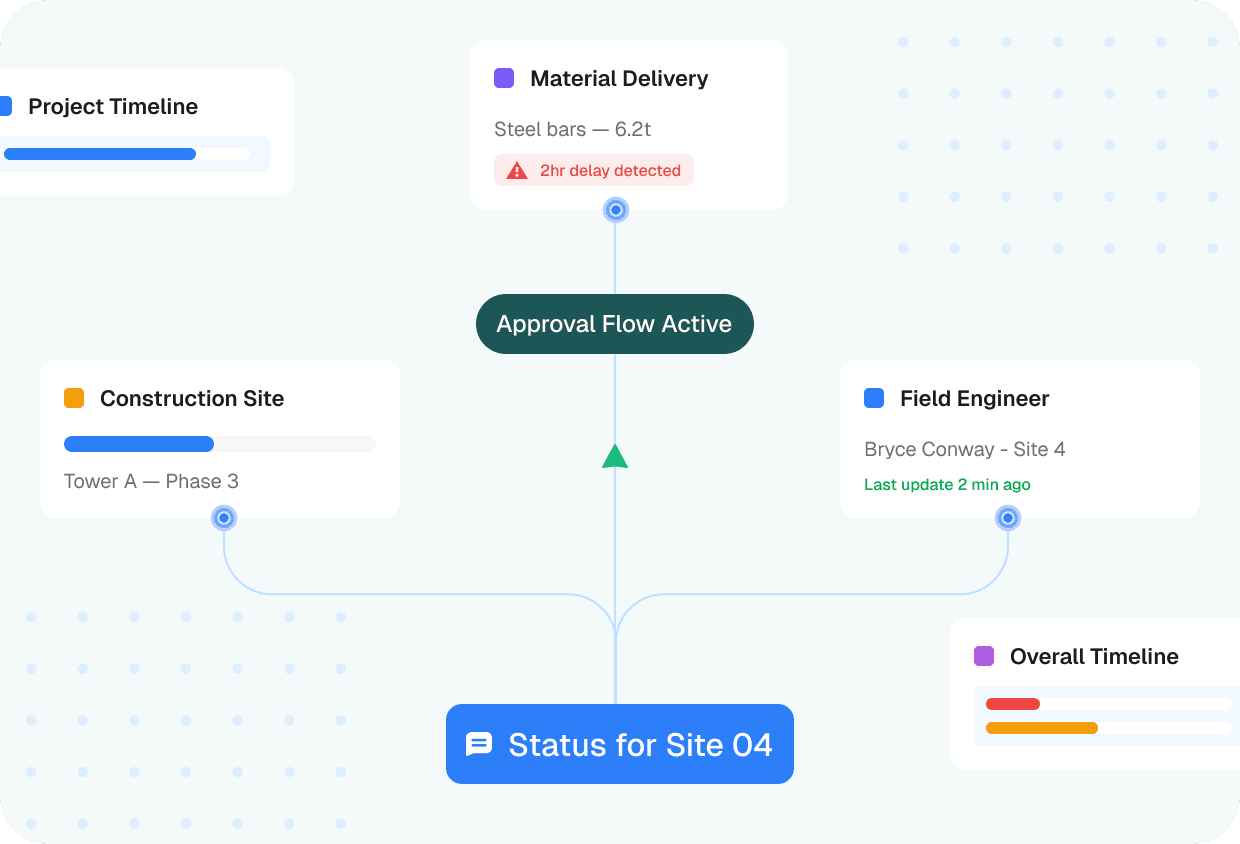
- •Project & field execution tracking — what happens after the deal is won, not just before.
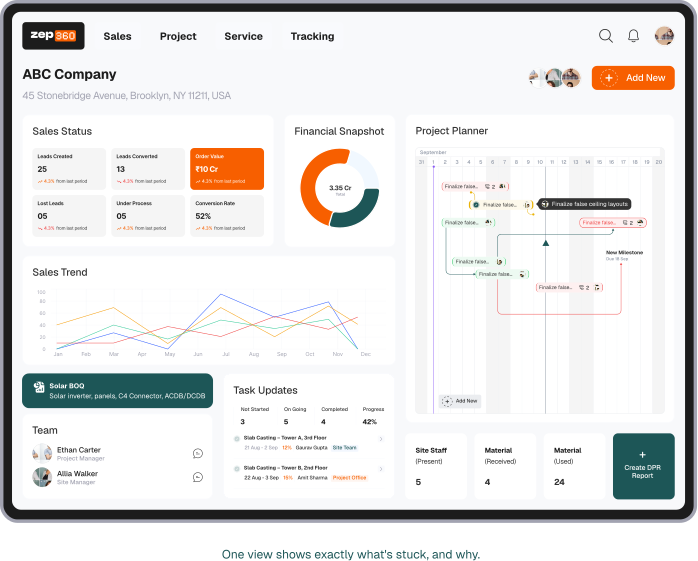
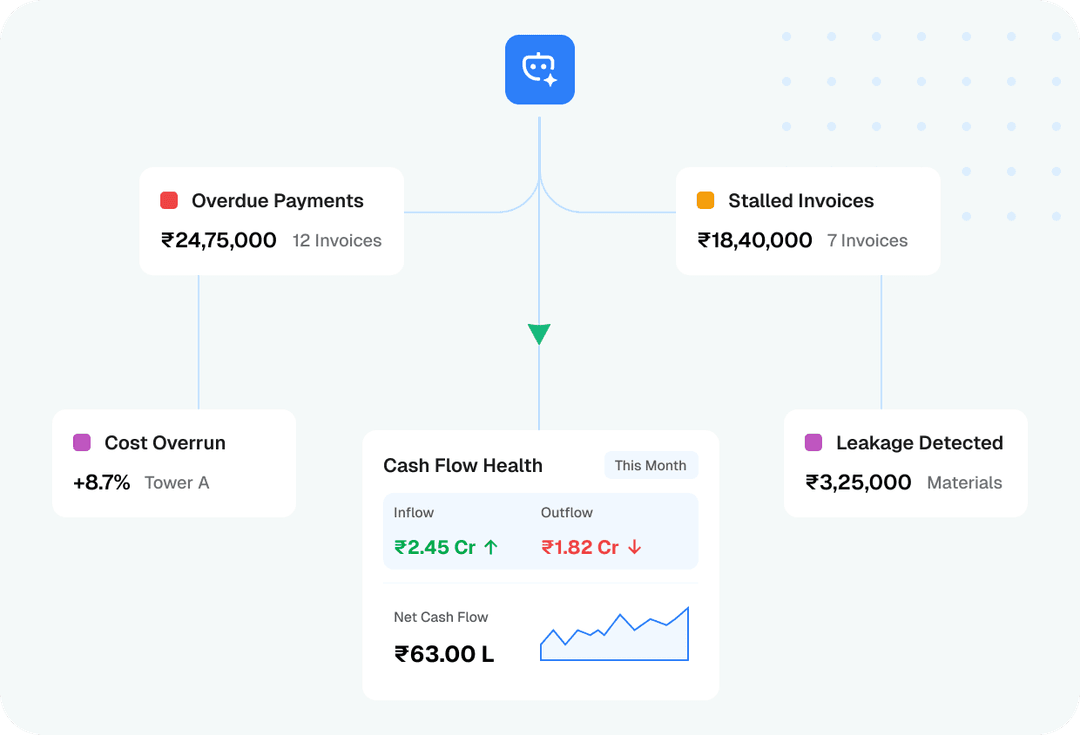
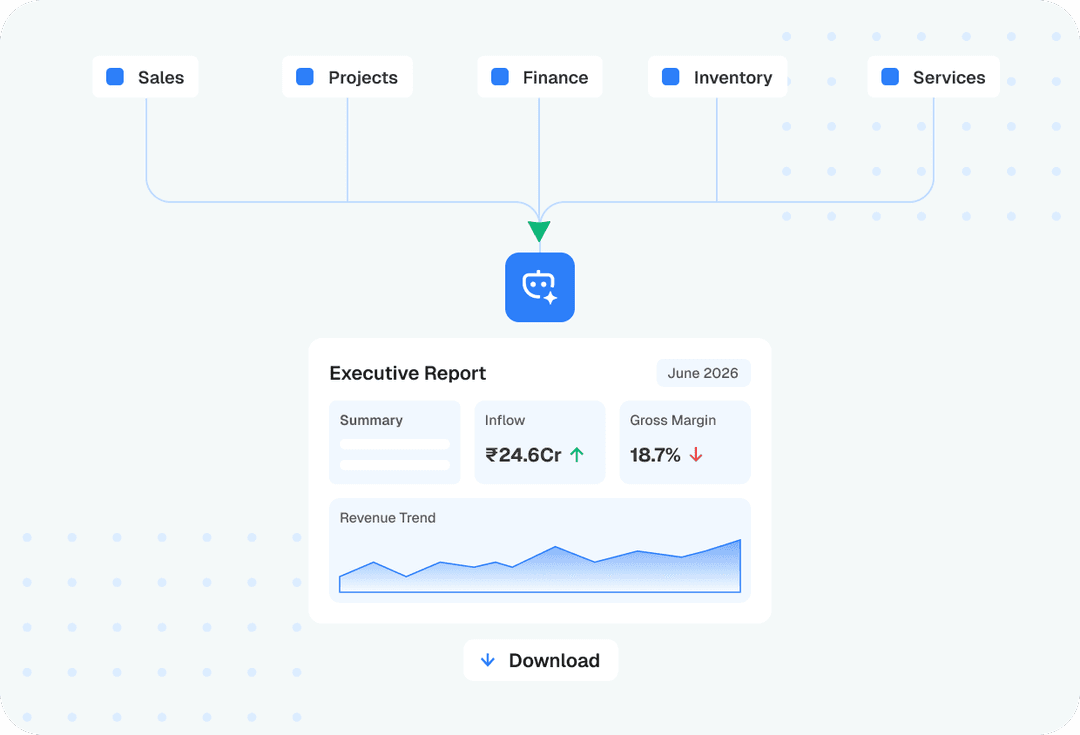
- •Reporting & dashboards — pipeline health, team performance, and revenue, visible without exporting to Excel.
How Does Lead Management Work in an All-in-One CRM?
Lead management is the part of a CRM most teams interact with daily, and it typically follows the same sequence regardless of vendor:
- 1.A lead comes in — from a form, a call, a WhatsApp message, or a referral — and is logged automatically instead of manually.
- 2.It's auto-assigned to a salesperson based on territory, source, or workload, rather than whoever happens to see it first.
- 3.The salesperson qualifies it: is this a real buyer, on what timeline, at what budget.
- 4.Qualified leads move into quoting, with follow-up reminders firing automatically if the customer goes quiet.
- 5.Once the deal closes, the same record hands off to execution or delivery — no re-entry into a second system.
Which Automation Rules Actually Save Time?
Automation is where an all-in-one CRM earns its cost. A handful of rules account for most of the time saved — you don't need to automate everything to see the benefit.
- •Auto-assigning new leads by territory or product line, instead of a manual round-robin.
- •Follow-up reminders that fire automatically after a set number of days of silence.
- •Auto-generating quotes from a saved template instead of retyping the same line items.
- •Status-change notifications sent to the customer the moment a stage updates.
- •Overdue-invoice reminders that go out without someone remembering to chase them.
What Should You Look for When Evaluating CRM Vendors?
Every vendor's demo looks impressive. The differences that matter show up after you sign, so ask about them before you do.
Questions to Ask Before You Sign
- •Is there a real mobile app for field teams, or does it only work well on desktop?
- •Is WhatsApp/email integration built in, or a paid add-on billed separately?
- •Is pricing per user, or a flat fee regardless of team size?
- •Can you export all your data in a usable format if you ever leave?
- •Is onboarding and data migration included, or a separate line item?
- •What's the actual uptime history, not just the number on the sales page?
What Does Implementation Actually Look Like?
A CRM rollout that skips straight from "we bought it" to "everyone use it now" is the most common reason adoption stalls. A realistic sequence looks like this:
- 1.Audit your current process — where leads actually come from, and where they currently get lost.
- 2.Clean and migrate existing data instead of importing years of duplicate, outdated contacts.
- 3.Configure pipeline stages and quote templates to match how your team actually sells, not a generic default.
- 4.Train the team — ideally in small groups, on real deals, not a one-off slideshow.
- 5.Run in parallel with the old system for two to four weeks before fully switching over.
- 6.Do a full cutover, then review adoption and pipeline data after 30 days.
For most small and mid-size teams, that whole sequence takes two to six weeks, depending on data volume and how many people need training.
What Does an All-in-One CRM Cost?
Pricing usually falls into one of three models: per-user per-month, a flat fee regardless of headcount, or tiered pricing gated by which modules you unlock. None is inherently better — it depends on whether your team size or your feature needs grow faster.
Total Cost of Ownership, Not Just the Sticker Price
The number on the pricing page rarely includes onboarding fees, WhatsApp API messaging costs, storage limits that trigger an upgrade, or the cost of a paid add-on for a feature you assumed was included. Ask for the full cost at your actual team size and expected usage — not the cheapest tier's headline number.
Common Mistakes When Adopting a CRM
- •Rolling out to the entire team at once instead of piloting with one small group first.
- •Migrating years of messy spreadsheet data without cleaning it up first.
- •Not assigning one internal owner who's responsible for adoption and answering questions.
- •Choosing on price alone, without checking whether the workflow actually matches how your team sells.
- •Leaving pipeline stages at the vendor's default instead of customizing them for your actual sales process.
The Bottom Line
An all-in-one CRM isn't about replacing a spreadsheet with a fancier spreadsheet — it's about making sure a customer's history, quote, project status, and invoice all live in one place that anyone on the team can open and trust. The technology part is the easy half. The rollout — cleaning data, training the team, and picking one owner to keep it honest — is what actually determines whether it sticks.
How ZEP360's All-in-One CRM Brings It Together
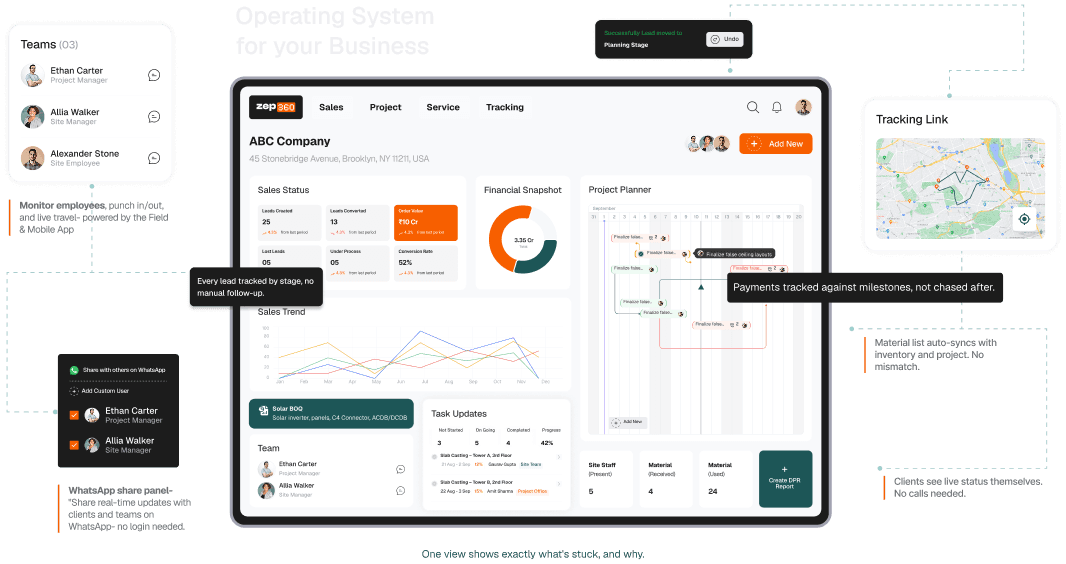
ZEP360 was built around exactly this problem: a single record that follows a customer from first contact through quoting, project execution, and final invoice — with WhatsApp, email, and call logs attached directly to that record instead of scattered across someone's personal phone.
Instead of stitching together a sales CRM, a quoting tool, a project tracker, and an invoicing app, teams on ZEP360 run all of it from one dashboard — with the automation rules and reporting built in from day one, not sold back as separate add-ons.
Frequently Asked Questions
Is an all-in-one CRM harder to set up than separate tools?
Usually the opposite — setting up one platform is faster than integrating three or four separate tools and keeping their data in sync. The setup effort is mostly in configuring pipeline stages and templates to match your process, not in the software itself.
Can I migrate my existing spreadsheet data into a CRM?
Yes. Most CRMs support a CSV import for contacts and deals. The part that takes real time isn't the import itself — it's cleaning up duplicate and outdated entries beforehand so you're not migrating years of clutter.
Do all-in-one CRMs work for small teams, or only large ones?
They work for small teams too — often the earlier you adopt one, the less migration pain there is later. The main question is whether your current volume already justifies moving off a spreadsheet, not your headcount.
What happens to my data if I switch CRMs later?
That depends entirely on whether the vendor lets you export your data in a usable format. Confirm this before you sign, not after you've decided to leave — it's one of the most common regrets teams have with CRM vendors that don't support easy export.
Do I need separate software for invoicing if I have a CRM?
Not if the CRM is genuinely all-in-one — invoicing should be a native module tied to the same customer and deal record, not a reason to keep a second tool open.