
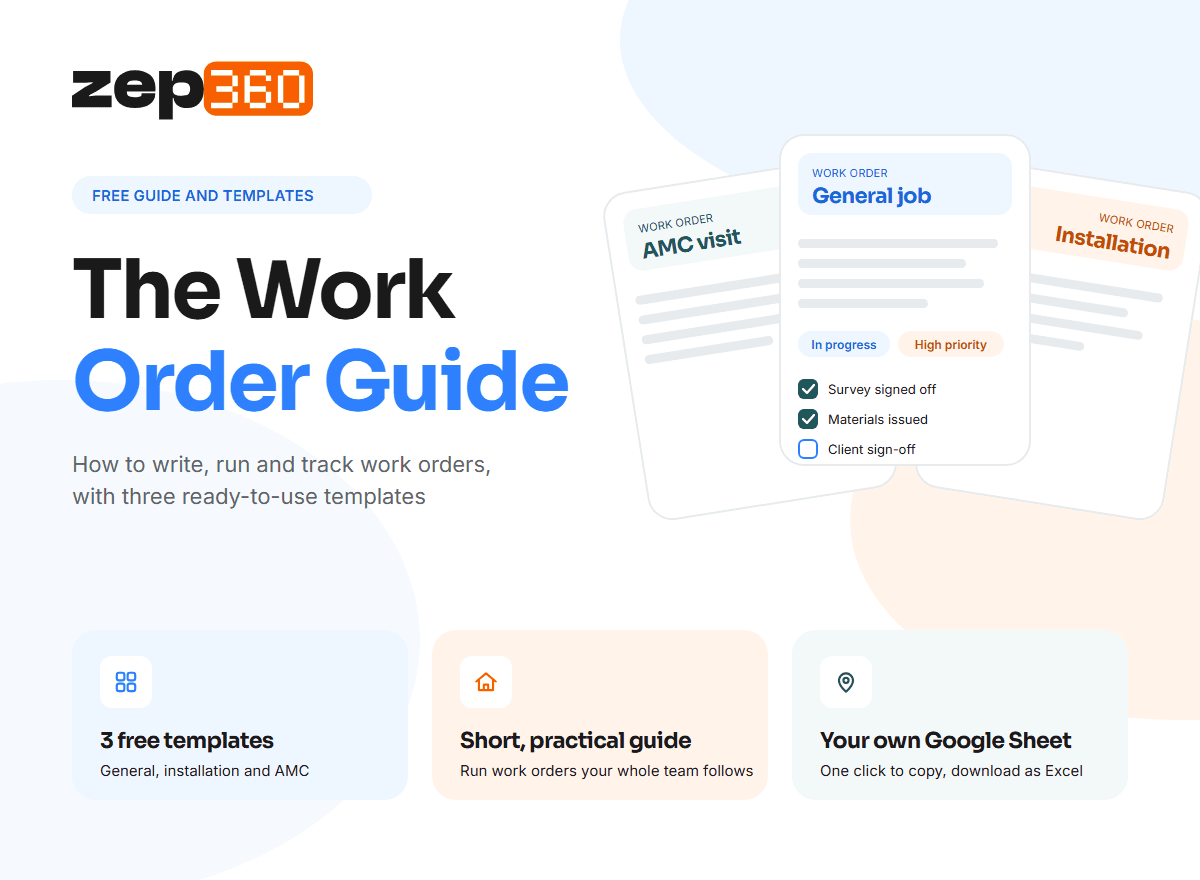
Every field team starts the same way. Someone phones about a fault, a colleague jots it on a pad, and a day later nobody is sure who is going, what to bring or what was agreed. A good work order template fixes that in about a minute per job. We built The Work Order Guide for firms that install and then maintain. It is a short, practical guide to running work orders, plus three free work order templates you can copy into your own Google Sheets with one click and download as Excel.
What is a work order template?
A work order template is a reusable form for giving one job to one technician or crew. It holds the same details on every job, so the person on site knows what to do and the office knows what happened. Most firms start with a blank Excel sheet or a paper pad. That works for a few jobs a week. It starts to fail when jobs overlap, when two people edit the same file, or when you need to find what you did at a site last year.
Using a template helps you in three ways:
- Every job is written down the same way. Nobody has to guess what information is missing.
- The technician gets one clear instruction. Fewer phone calls and fewer wasted trips.
- You keep a record. When a client asks what was done, or a warranty claim comes back, the answer is on file.
Who this guide is for?
We wrote it for people who run jobs in the field and are tired of chasing them. It will suit you if you are:
- An EPC or project contractor managing installs that run in stages, from survey to handover.
- An MEP or HVAC contractor handling installs, repairs and planned service visits.
- A solar or energy installer who also looks after systems after the install.
- An AMC or service team running recurring visits under annual maintenance contracts.
- An owner, operations head or project manager who wants one simple way of working before buying any software.
What to expect inside?
The guide is short on purpose. You can read it in one sitting and use it the same day.
- A plain-English guide to what a work order is and how to run one, so your whole team uses the same words.
- Three ready-to-use work order templates: a general work order, an installation work order, and an AMC and preventive maintenance work order.
- One-click Google Sheets copies. Click the link under each template and Google makes your own copy in your Drive. Edit it freely.
- Excel when you want it. Download your copy as an Excel file from the File menu.
- Printable pages, if your technicians still prefer paper on site.
You only need a free Google account to make your copies. We built the templates as starting points, so change the fields to fit how you work.
Excel, Google Sheets or software: which suits your work orders?
There is no single right answer. It depends on how many jobs you run and how many people touch each one.
| Option | Works well when | Starts to struggle when |
| Paper pad | One or two crews, jobs close to the office | Jobs are lost, handwriting is unclear, nothing is searchable |
| Excel work order template | One person manages jobs and files are kept tidy | Several people edit copies, and nobody knows which is current |
| Google Sheets work order template | A small team needs to share and edit the same sheet | You need to link jobs to stock, quotes, contracts and invoices |
| Work order software | Jobs, stock, visits and billing need to connect | You only run a handful of jobs a month |
A template is the right first step. It teaches your team to capture the same details every time, and that habit carries over to any software you choose later.
Which work order template do you need?
The job decides the template. A few quick pointers:
- A one-off repair or inspection needs a short general work order. Keep it to what the technician needs on site.
- A new installation runs in stages and needs approvals, materials and a handover. A general form will be too thin.
- A planned maintenance visit under an AMC needs checks, readings and the date of the next visit. The contract is what makes it repeat.
Trying to use one form for all three is why many firms end up with forms that are either too long to finish or too short to be useful.
Signs your work order template has done its job
A template should be a stepping stone. Most firms start with a spreadsheet, and that is fine. You are ready for more when:
- You type the same client and site details into the quote, the work order and the invoice.
- Parts leave the store, but nobody can say which job they went to.
- Jobs wait for approval or sign-off, and nobody knows who is holding them up.
- AMC visits and renewals live in someone's calendar, not in a system.
- You cannot tell, without calling around, which jobs are open and which are late.
When two or three of these sound familiar, one connected system will save you more time than a better spreadsheet. ZEP360 keeps each job in one project record, so the quote, the stock, the visit and the invoice all build on the last. The last page of the guide shows how that works.
Frequently asked questions
What is a work order template?
A work order template is a ready-made form for assigning one job to a technician or crew. It records the client, site, work, date, parts and sign-off in the same place every time, so nobody rebuilds it for each job.
Is there a free work order template in Excel?
Yes. Our Work Order Guide includes three free work order templates, and each opens as your own copy in Google Sheets. You can download that copy as an Excel file from the File menu and edit it to fit your jobs.
What should a work order template include?
A work order template should include a job number, the client and site, the work to be done, who does it and when, and a sign-off. Keep it short enough to fill in on site.
What is the difference between a work order template and a work order form?
Very little. A work order template is the reusable layout, and a work order form is that layout filled in for one job. People use both terms for the same document, so choose the version your team can fill in.
Which work order template do I need for AMC visits?
Use a maintenance work order template for AMC visits. It should carry the contract number, the checks done, readings taken and the next visit date, so every planned visit is recorded and the following one is already booked.
When should I move from a work order template to software?
Move from a work order template to software when the same details are typed into quotes, stock sheets and invoices, or jobs slip between people. ZEP360 keeps each job in one record, so every document builds on the last.Get your free work order templatesStop chasing jobs on pads and in chat groups. Get the guide, make your own copy of each template and run your next job from one clear page.


